July 2026 ARK TMS Update: Quote-to-Load, Desktop App, Billing Control, and Audits
A customer-facing ARK TMS product update covering July improvements to spot quote execution, load-board posting, the ARK desktop app, Vendor Expenses, delivered-load correction paths, audits, carrier review, and team controls.
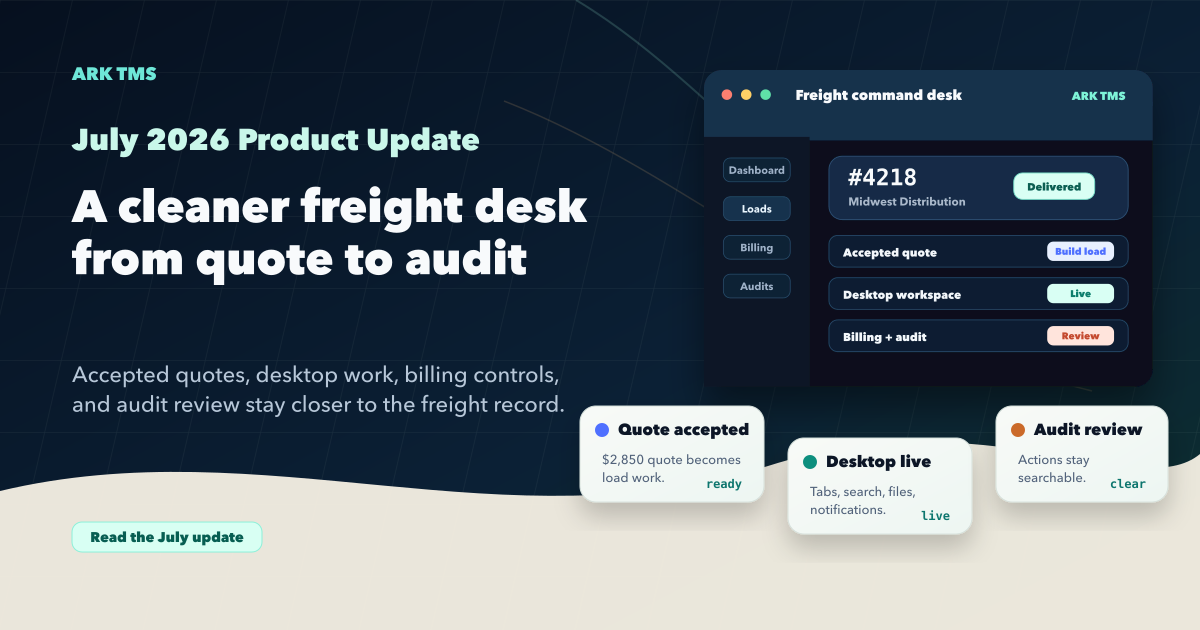
July's ARK TMS update focused on the work freight teams touch every day: turning accepted quotes into live load work, keeping load-board posts in context, giving paid third-party costs their own workflow, making delivered-load corrections safer, opening ARK in the desktop app, and making audits and review easier to scan.
Spot Quotes Connect More Cleanly to Execution
Spot quote work moved closer to the rest of the operating workflow. Teams can build a load from a won spot quote, keep the created load linked to the quote, and move into dispatch with the right context already filled in.
Quote review also got more practical. Sent quotes can be edited and resent without recreating the quote trail, quote history stays visible, customer emails can carry the right dispatcher reply path, carrier bids can be entered without forcing a new carrier record too early, and customer quote timing can reflect the transit time the team actually wants to show.
The reporting side kept improving too. Spot Quote Analysis can show response timing in minutes, and access can be controlled with a dedicated Spot Quotes report permission. For brokers reviewing speed, win rate, and margin, that makes the report easier to use without over-opening the rest of reporting.
Load-Board Posting Got Broader and Safer
Load-board work kept moving toward one operating surface for posts, updates, refreshes, removals, and spot-quote loads. For organizations with enabled providers, the posting workflow now supports more provider paths while keeping the load record as the place to review status and next action.
The guardrails also got sharper. ARK can block posting before submission when required appointment details are missing or a scheduled cutoff has already passed. Failed posting attempts stay visible in the Attention state instead of quietly looking ready again, and selection workflows now make it clearer when every visible load has been selected or deselected.
These are small details, but they matter on a busy board. Operators should be able to see what is ready to post, what needs schedule cleanup, and what already needs attention without leaving the load workflow.
Vendor Expenses Keep Third-Party Costs Separate
Vendor Expenses are now available in ARK TMS, giving brokers a dedicated place to record already-paid third-party load costs such as lumpers, tolls, washouts, storage, or customs services. Those expenses stay separate from carrier pay while still reducing load margin and, when needed, creating a linked customer rebill.
That matters because these costs do not behave like carrier pay. They may already be paid by credit card or another method, they may need a customer rebill, and they still need to show up in margin without blurring the carrier settlement record.
UNDELIVER Gives Delivered Loads a Controlled Correction Path
When a delivered load needs to return to dispatch, billing users with adjustment permission can use UNDELIVER from the Delivered tab, with confirmation and status checks on both A/R and A/P before the load is moved back. That keeps a correction path available without making downstream invoice, payment, or settlement state easy to bypass.
Remittance and Payment Checks Got Safer
Billing also gained safer remittance tools. Paid remittance emails can be resent from the paid workflow, and payment actions can run a recipient preflight before moving money or sending remittance. QuickBooks settlement and payment sync work was tightened around grouped payment handling, reconnect states, and currency guardrails.
The ARK Desktop App Is Live
The ARK desktop app is now live for teams using the desktop workspace. It keeps ARK in a focused native window with app tabs, desktop-aware downloads, notifications, global search, and load-tab handling so daily freight work does not have to compete with every other browser tab.
This release also tightened desktop page titles, tab labels, authenticated page behavior, download handling, and desktop navigation details. The goal is a cleaner freight desk for teams that keep ARK open all day.
Audits, Carrier Activity, and Team Controls Became Easier to Scan
Audit reports became easier to search and review, making operational, billing, and security activity easier for admins to inspect. Carrier profiles now present activity as compact, expandable rows with clearer source and category context, so review work stays closer to the carrier workspace.
Load-based reporting also added Customer Service Representative filtering where it helps teams review load details, revenue, printable revenue output, and pay holds.
Multi-team workflows kept tightening as well. Load team assignment can be edited under the same visibility rules used when creating a load, and customer, broker, CSR, and stop-location lookups follow the selected team so stale team-scoped selections do not carry forward.
A More Connected Operating Workflow
July's update made ARK TMS more connected across quote work, load execution, paid load costs, delivered-load corrections, desktop workflows, carrier review, and operational reporting. The common thread is fewer duplicate handoffs: quote work can become load work, load-board status stays with the load, Vendor Expenses stay separate from carrier pay, delivered-load corrections stay controlled, and desktop plus audit improvements keep daily review work closer to the freight record.